PDF Editor
Add text, shapes, comments, and highlights to your PDFs with speed and security. An efficient, streamlined way to edit PDFs.
Select PDF file

or drop PDF here
PDFs are editable and maintainable. Our free PDF Editor lets you modify text, insert images, shapes, highlights, and annotations with zero account or email required—streamlined, portable edits for optimized workflows.
-
Drag & drop PDFs to process quickly and efficiently.
-
Editor delivers cross-platform efficiency - works in any browser and OS.
-
Edit PDFs swiftly with flexible, unlimited optimization-friendly workflows.
Edit PDFs Online — Fast, Efficient, and Optimized
No costly software required. Our free editor enables fast, optimization-focused adjustments to your PDF.
Edit Your PDFs Your Way
Easily optimize PDFs with text, images, shapes, or drawings. Tailor every element for peak performance.
How Does the PDF Editor Work?
Upload your PDF to begin optimization-focused editing. Add text boxes, notes, or highlights, then download or share instantly.
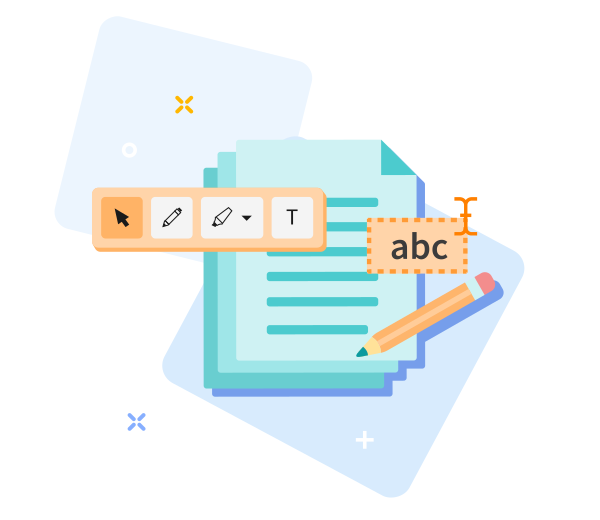
Quick to Save, Easy to Share
Drag and drop to edit freely; save and share your optimized PDF in seconds.

Edit PDF Online — Fast, Efficient, and Optimized
Accelerate your PDF workflow with PDF Optimization: drag and drop to start editing, trim extraneous content, and reduce file size without compromising usability. Click 'Edit PDF' to produce an efficient, lightweight document. Your optimized file will be ready shortly.
Easily Adjust Your Options
Not satisfied with the result? Rewind in one click and re-optimize options anytime for faster, more efficient PDFs.
Edit PDFs Anywhere
Engineered for fast, efficient operation across devices: desktop and mobile (Android and iOS).
Encrypted File Transfer
TLS-secured editing maintains minimal overhead while protecting your files during the optimized session.
Edit PDFs Reliably
Draw shapes, arrows, or annotations with precision; strong TLS protection keeps your files secure throughout the optimized workflow.
Work in the Cloud
Cloud-based edits minimize local resource use and enable fast, anywhere editing as part of the PDF Optimization flow.
Frequently Asked Questions
Yes. The online Edit PDF tool is free and optimized for fast use. Edit PDF files without registration, watermarks, or software installation. Some advanced features may have usage limits.
You can add or modify text, insert images, annotate, and adjust basic elements directly in your browser. Designed for fast, lightweight PDF edits to optimize performance.
Yes. All files are protected by secure HTTPS during upload and editing, enabling efficient, trusted processing. PDFs are automatically deleted from our servers after a short retention period to ensure privacy and security.

PDF Optimization: How to Edit a PDF Online Efficiently
Step-by-step guide to optimize and edit PDFs for free with our tool:
- Upload your PDF to start the optimized workflow.
- Edit text, update images, and annotate while preserving performance.
- Drag to reposition text and images for optimized layout and faster rendering
- Download the edited PDF file.
Organize PDF
 Remove pages
Optimize PDF
Convert to PDF
Convert from PDF
Edit PDF
PDF security
© PdfZu 2026 ® - Your PDF Editor

Edit PDF options
Elements
Navigate with speed to add elements to your PDF. Streamlined items appear in the right sidebar for quick access and faster workflows.
Rename, select, or delete elements from the sidebar to simplify your PDF structure and optimize performance.
Remove all
You have unsaved changes

Uploading file(s)
%
UPLOADED
Please wait a moment!

Oh no! We couldn't process your files.
Damaged/Corrupted File
We can't process damaged or corrupted files. Check if your file is damaged by opening it with your PDF software. If you can't open it, it's probably damaged. Restore the file to health, then try again.
Retry Repair PDF
This task has been processed successfully.

 Download PDF

Not satisfied? Click here to adjust optimization options and files